Describe what you needand it builds the whole thing.
Describe what you needand it builds the whole thing.
01 · Job: from a sentence to a page
Describe it. Watch it build.
Type what you need and Make writes the plan before it builds anything: which sections, in what order, in your design system. You approve it, then it builds. Or skip the describing and build it yourself, from a template or from an empty box.
A canvas with no grid and no rules: photos, text, shapes and video wherever you put them. Right-click for the rest: duplicate, send to back, set as background, replace the photo, remove its background. Nothing here is a special kind of object. What you place freely today can become a structured section, a slide or a scene later.
DuplicateBring to frontSend to backAlign centerSet as backgroundReplace photoRemove background with AI
03 · Job: design with boxes
Structured. Boxes, padding, margins.
Build it the way it ships: boxes inside boxes, in rows, columns and grids, with real padding and margins. Start from a nav, a hero, a pricing block, or from nothing. Free hand or structured, it is the same document underneath. That is why anything you make can become anything else.
A short, clear sentence about what this product does and who it is for.
Get startedLearn more
04 · Job: one language, everywhere
Pick a language. Every piece speaks it.
Lock one design system and it holds: every template you add, every Magic run, every Restyle, every AI edit follows it until you take it off. Forty-three systems, from corporate Meridian to riso-print Overprint. Or build your own. This is the part that is hard to copy. Anyone can generate a page. Keeping forty pages, a deck and a report in one visual language, months apart, is a different problem.
Design system 01 · CorporateMeridianPrecision you can read at a glance.American · RoadsideMarqueeLoud on purpose, friendly by default.East Asian · IndigoAizomeThe dye deepens with every quiet immersion.Chiaroscuro · Old MastersTenebraeLight is spent like gold.Amazonian · LayeredVárzeaDesigned like a forest: in layers.Art · Music · RisoOverprintTwo inks, infinite noise.Broadcast · Control roomAirtimeNothing goes to air by accident.Create your ownYour systemA language of your own. Every piece speaks as one.
Pick one language. Every template, Magic run, Restyle and AI edit follows it until you remove it.
Your system
Every piece speaks as one
Primary
Reversal
Cinematic portfolio · Everything is a frame. Only the edges disagree.
Your system
Every piece speaks as one
Primary
Counterpart
Recruiter · Two lanes. One half designs. One half places the designers.
Your system
Every piece speaks as one
Primary
Throughline
One continuous stroke · One line. Every section. Nothing lifted.
The Marquee palette · where the red comes home
Paperthe stageCreamclose lightInkthe voiceMarqueethe one shoutSignaledges & frames
Meridian
The same page
Design in minutes. Change in seconds.
Tenebrae
The same page
Design in minutes. Change in seconds.
Marquee
The same page
Design in minutes. Change in seconds.
Hit Restyle: same content, a fresh coherent look on every click.
Magic · Restyle
Every click, a whole new design.
Pick a template, restyle it, change the font, or lock a design system. Every Restyle mixes new colors from your own palette, or mixes them for you, with creative design logic in place. No system is locked here, so go ahead.
Images you keep refining. A short video from a prompt, with a reference frame if you have one. A spoken line. Background music. Or a code section you write yourself and watch render live. Every generator is optional. Make is complete without a key: bring one when you want the machines.
Generated ImageWrite a prompt, generate a real photo, keep refining it. It saves to your library.
Generated VideoA real short clip from a prompt. A reference image sets the opening frame. 1280×720, 4, 8 or 12 seconds.
Generated VoiceWrite what it should say, generate a spoken voice clip.
Generated MusicReal background music or a sound clip, from a prompt.
CodeWrite it yourself, or let AI write it: real HTML, CSS and JS, rendered live on the canvas.
Generated Nav & FooterRendered from raw code as independently editable boxes you own.
Image, video and voice run on your own OpenAI key. Music runs on a Stability AI key. Every request is against your key, never ours, separate from your chat usage.
06 · Job: leave with the file
Own the output. Host it anywhere.
Every creation exports as real HTML, CSS and JavaScript in one file. No build step, no framework, no dependency to break in a year. Open the structure panel and edit the code yourself, or tell Make's Guardian what to change. Pay once for more: no subscription climbing every year, no feature held behind another tier.
Pay once. No subscription creeping upward every year, no features held hostage behind another tier. Owning your tools should be the normal way, not the exception.
StructureGroup · hero 2 itemsImage · facade.webpHeading 1 · Golden hourLink · See the work<img class="hero-media" src="facade.webp">
Golden hour
07 · Job: the files you already have
Open your work. Preview it live.
Bring Markdown, HTML, text and code. Open them, edit them, keep going: by hand, or ask Make's Guardian to upgrade them. HTML gets a live preview, code on the left and the real page on the right, no round trip to another editor. All of it computes in your browser. No server holds your files.
No round trips to another editor. The preview is the page.
<sectionclass="hero"><h1>The Old City</h1><p>Stone, light, and time.</p></section>/* rendered live → */
The Old CityStone, light, and time.
08 · Job: from a document to a page
Your writing, as real HTML.
Paste a document or open a Markdown file and every word carries over. Make reads the structure: headings become sections, the first one becomes the hero. Export the result as one HTML file, or PDF, PNG, PowerPoint, Word or JSON, or save it straight to your project library. Nothing leaves your browser unless you ask AI to work on it, on your own key.
notes.md
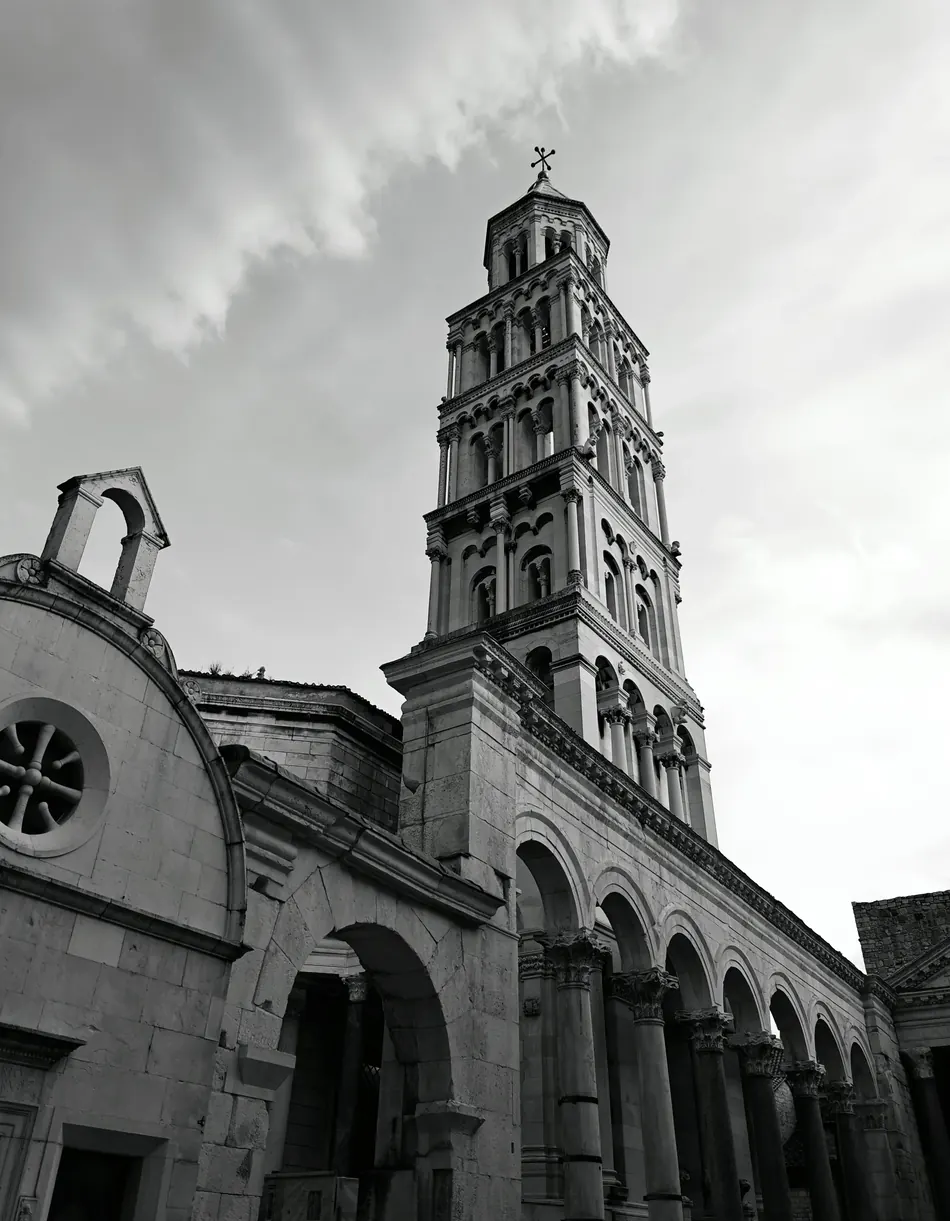
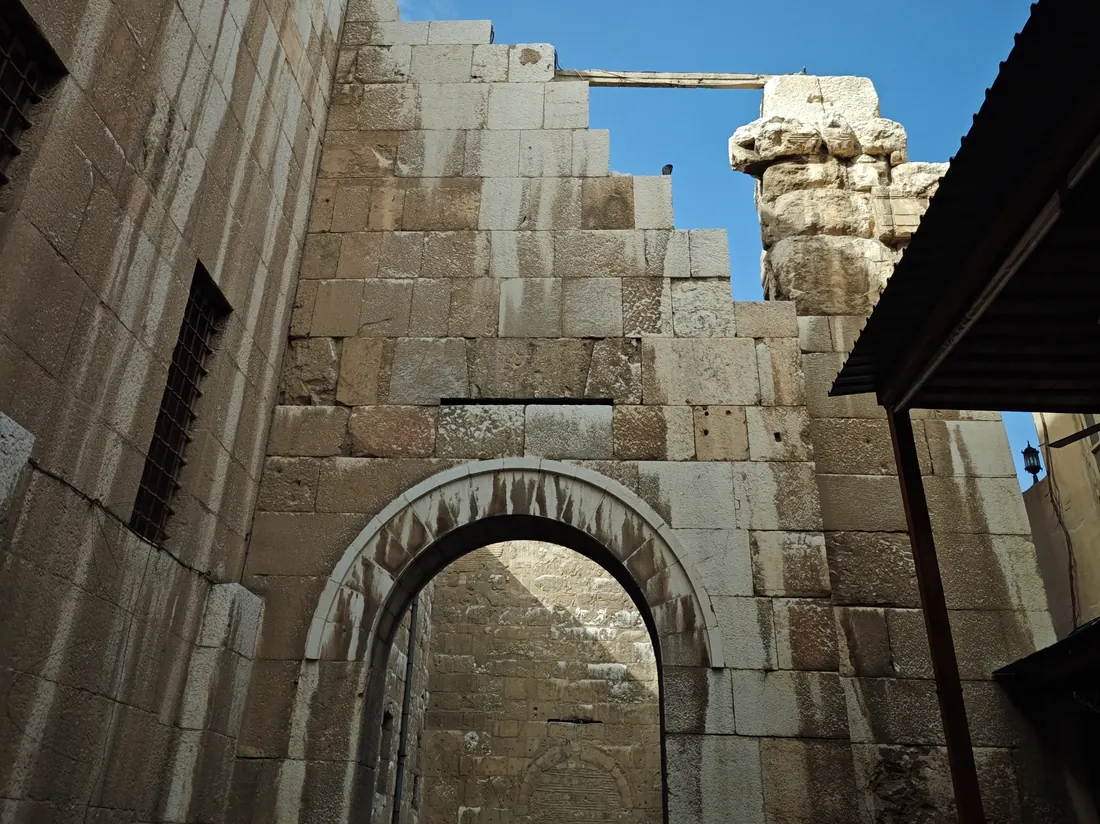
Notes from Split
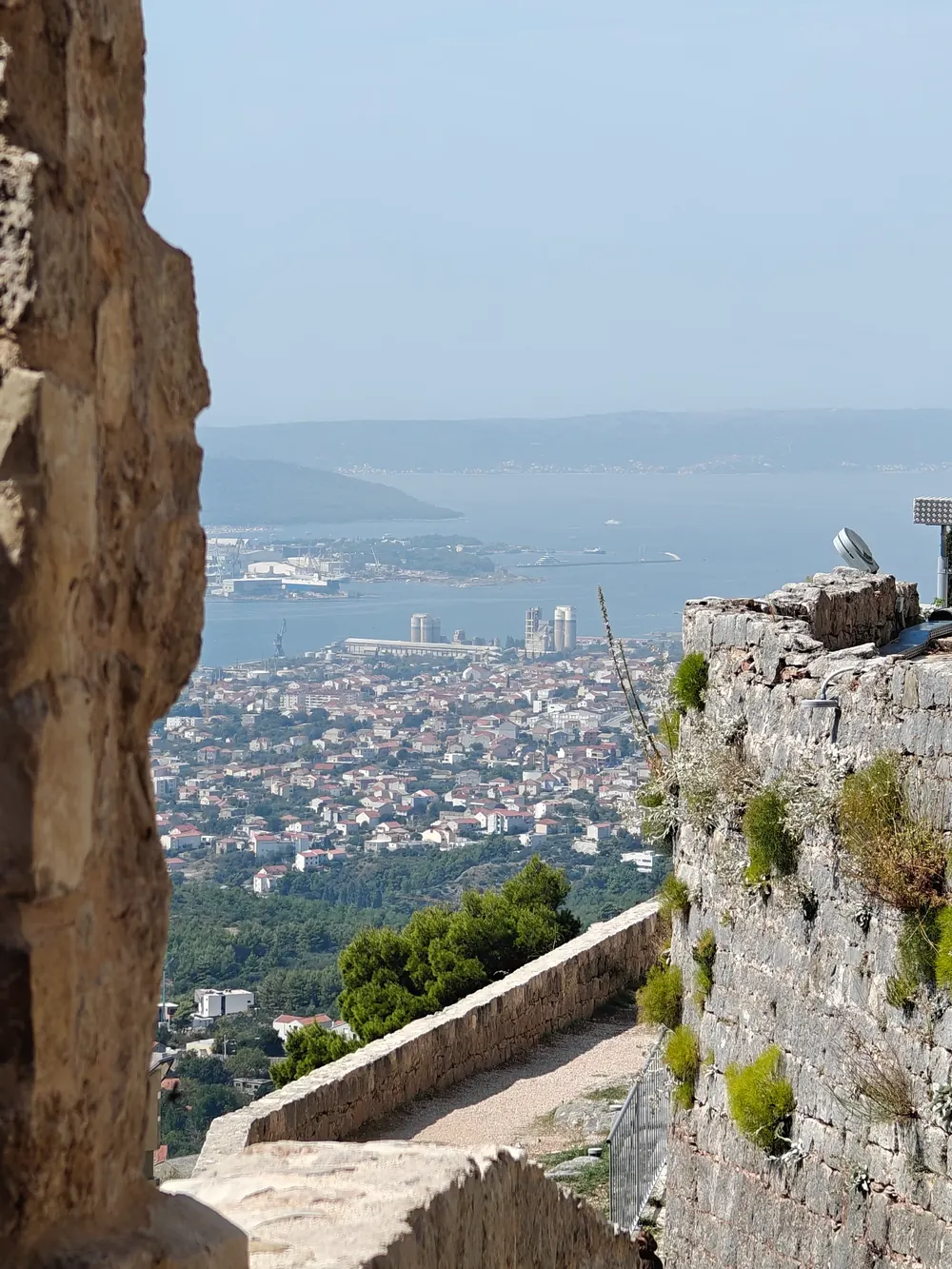
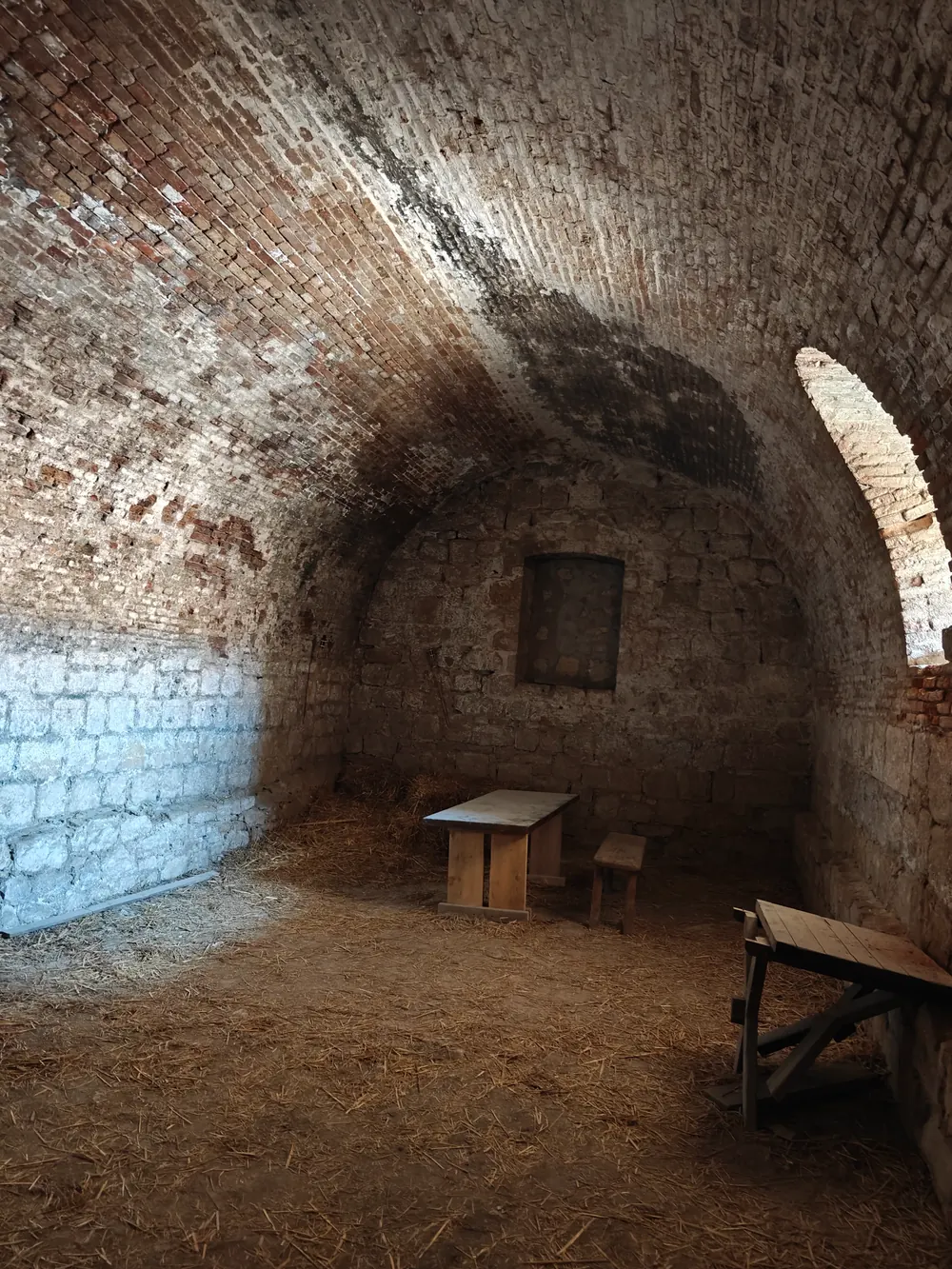
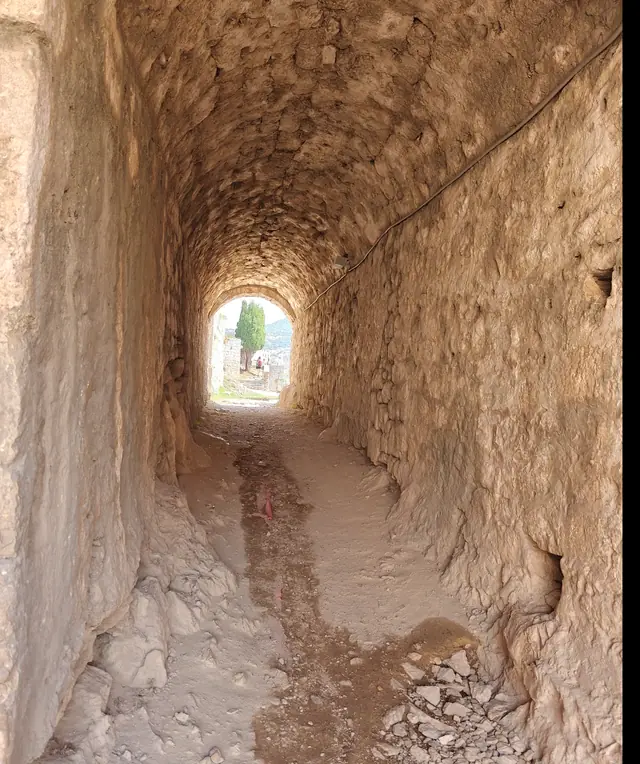
The bell tower first, before the heat. Then the tunnel under the palace, where the stone stays cold all summer.
Fortress at six, when the light turns.
Notes from Split
Notes from Split
From a doc to a page you own
Every word carries over. Make builds the sections, sets a hero, and exports the whole thing as one HTML file.
notes.md
Turn this doc into a page I can host.
Built as one HTML file: your headings, your words, a photo hero and three sections. Want it darker?
Ask a follow-up…Make's Guardian · runs on your key
09 · Job: change it in plain words
Tell Make's Guardian. It edits the code.
Design like a designer, or just say what you want. Make's Guardian changes the rules that need changing and leaves the rest alone.
Generation runs on your own OpenAI key. Each request is against your key, never ours.
A page presents as a deck. A canvas becomes a film. The logo and palette from March style the report you ship in May: nothing re-uploaded, nothing rebuilt. Workspaces, projects and folders hold all of it, in this browser, with no one else holding a copy.
Click any file to open it bigger and copy its prompt.
11 · Job: score it
Now, hear it. Music, made in Make.
Background music is a generator like any other: prompt a mood, refine it, keep the file. The three samples below were made in Make on a Stability AI key and cost less than $0.30 to generate, together. Right from the source, no middleman charging you double for credits.
first-light.mp30:00 · generated in Make · your key, your file
Generate an electronic music track for 60 seconds. Calm intro, atmospheric background. Blends tribal house with classical music and deep pad sounds, creating an atmospheric texture with beats and pads that make listeners feel engaged and energized.
The studio canvas: a structured canvas, with time. Give each element a movement, set its seconds, stagger them, and scrub the whole film. Set a clip as the background and type straight onto it. Export the file, or drop the finished video straight into a page.
Title0:01.0Statement0:01.2Points0:01.1Close0:00.8make a 3 scene teaser · or: make scene 2
Shall we build it today?
Title · 1.0sStatement · 1.2sPoints · 1.1sClose · 0.8s
Landing pages, decks, reports, diagrams, images and video, from one library in your browser. Describe what you need, or start from a shape.
Do I need a subscription?
No. Make is free to start. Paid plans are one-time, and everything you export stays yours either way.
What are design systems?
Complete visual languages: palette, type, rhythm, motion. Lock one and every template, Magic run, Restyle and AI edit follows it until you take it off. There are forty-three, and you can build your own.
What do I get when I export?
Real HTML, CSS and JavaScript in a single file you can host anywhere, or PDF, PNG, PowerPoint, Word or JSON. The exported page loads nothing from a third party.
Can I open my existing files?
Markdown, HTML, text and code files, yes: open them, edit them, preview them live. Word and PDF import are not built yet: Make writes both, and does not yet read them.
How does AI generation work?
Images, video and voice run on your own OpenAI key. Music runs on a Stability AI key. Every request goes to your provider, never through us.
What is Make not good at yet?
A fair question, so a straight answer.
Word and PDF import. Make exports both and reads neither, so a .docx source means copying and pasting for now.
Audio in the video studio. You can generate a voice line or music as a page section, but the studio itself has no audio track yet. It is the largest gap and it is being built.
Publishing. Make gives you a file, it does not host it. Any static host will take it.
Real-time collaboration. Everything is local by design, which is the point, and it means no live multiplayer editing.
Found other limitations? Let us know. We fix them, or list them here.
Build it once. Take it anywhere.
Web pages, decks, reports, documents, images and video, from one library, with one way out.